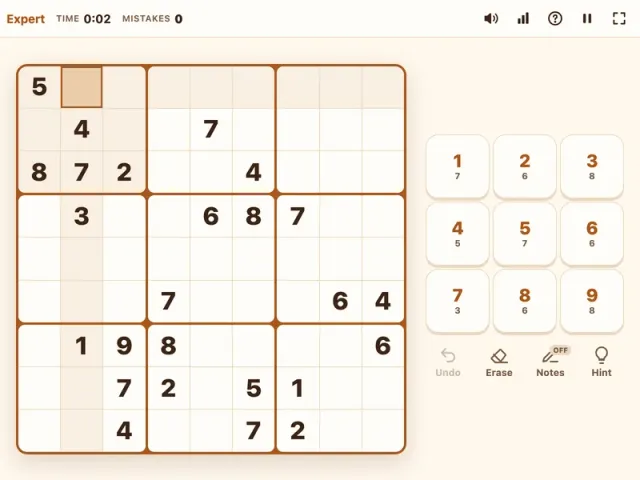
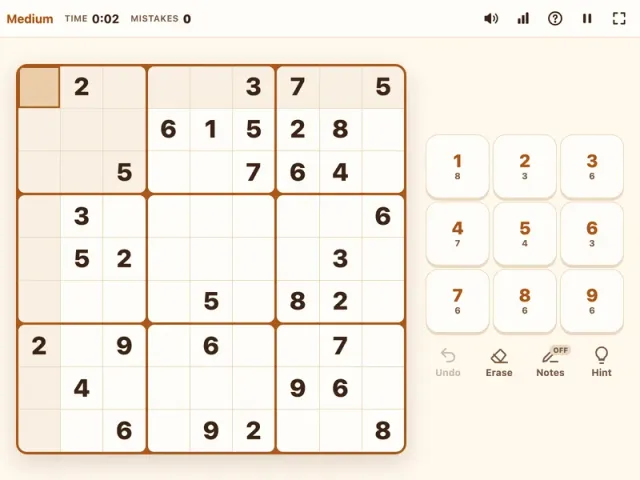
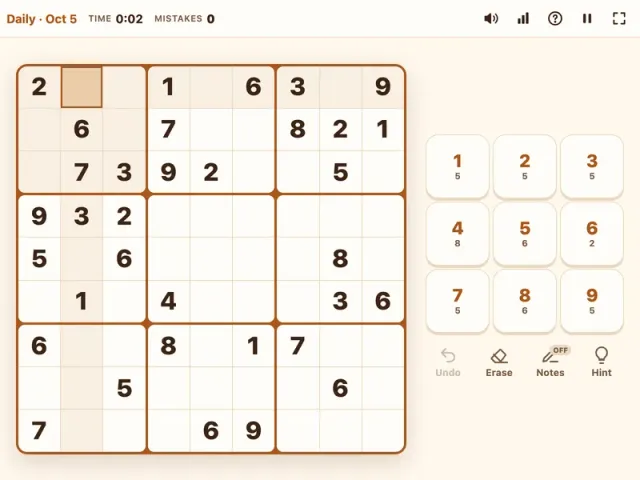
Hard sudoku is where the puzzle stops being a scan-and-fill exercise and becomes real detective work. Our hard puzzles start with just 27 to 31 numbers, so you will need careful notes and a few intermediate techniques to crack them. Each one has a single unique solution, and you can play free online with undo, hints, and autosave whenever you need them.
What is Hard Sudoku?
Hard Sudoku follows the classic rules: fill the 9x9 grid so that every row, column, and 3x3 box holds the digits 1 to 9 exactly once. The difference is in how much help you get. With roughly a third of the grid given, large regions start almost empty, and you will quickly reach a point where no cell has an obvious answer.
That is the point of this level. It is built for players who have mastered Easy and Medium and now want to learn the techniques that experienced solvers rely on. If you have been finishing Medium Sudoku comfortably without hints, you are ready. If you find Hard too punishing at first, there is no shame in going back to Medium for a few rounds to sharpen your scanning speed.
How to Play Hard Sudoku
- Survey the board. Note which digits appear most often and which boxes are most filled. These are your entry points.
- Collect the easy placements. Scan for naked and hidden singles before writing any notes. Even hard puzzles usually give you a few.
- Switch to notes mode. Press N or tap Notes, then fill in every possible candidate for each empty cell. Be thorough: missing one candidate can hide the pattern you need.
- Apply eliminations. Use pairs, pointing pairs, and box-line reduction (explained below) to remove candidates.
- Place digits as they become certain. Switch notes off and enter the number. Matching notes in that cell's row, column, and box are removed automatically.
- Repeat until solved. Each placement creates new singles, so loop back and rescan.
- Recover quickly from errors. Use Ctrl+Z (Cmd+Z) to undo, or erase with Backspace, Delete, or 0. The mistakes counter keeps score, but it never ends your game.
Controls
| Action | Keyboard | Mouse | Touch |
|---|---|---|---|
| Move between cells | Arrow keys or WASD | Click a cell | Tap a cell |
| Place a digit | 1–9 | Click a number | Tap a number |
| Add or remove a note | N, then 1–9 | Click Notes, then a number | Tap Notes, then a number |
| Erase | Backspace, Delete, or 0 | Click Erase | Tap Erase |
| Undo | Ctrl+Z / Cmd+Z | Click Undo | Tap Undo |
| Reveal one cell | H | Click Hint | Tap Hint |
Tips & Strategies
These are the techniques that separate a Hard solve from a stalled one.
- Write complete candidates, not partial ones. On easier levels you can get away with notes in just a few cells. On Hard, the key elimination is often hiding in a cell you did not bother to mark. Fill every empty cell's candidates once singles run out; auto-cleanup keeps them accurate as you go.
- Naked pairs and triples. If two cells in a row, column, or box contain only the same two candidates, for example {2, 8}, those digits are locked into those cells. Remove 2 and 8 from all other cells in that unit. The same logic works with three cells that share three candidates between them, even if each cell does not show all three.
- Hidden pairs. If two digits can only go in the same two cells within a unit, those cells must hold those digits. Strip every other candidate from those two cells. Hidden pairs are easy to miss, so scan unit by unit for digits that appear exactly twice.
- Pointing pairs. Inside a box, if all the candidates for a digit sit in one row or one column, that digit must go there within the box. Erase it from the rest of that row or column outside the box.
- Box-line reduction. This is the reverse of pointing. If, within a row or column, a digit's candidates all fall inside one box, then that digit must be in that row or column inside the box. Remove it from the other cells of that box.
- Check your work by digit. When stuck, filter mentally by one number and look at all its candidates across the grid. Patterns like pointing pairs jump out much faster when you focus on a single digit.
- Take a short break. A fresh look really helps. Your game autosaves, so close the tab, come back later, and you will often spot what you missed.
- Use hints sparingly and study them. A hint reveals one correct cell. Ask which technique would have found it; that is exactly the pattern to practice next.
What Makes Hard Sudoku Different?
The jump from Medium to Hard is about more than four or five fewer givens. On Medium, you can often finish by alternating between scanning and a small number of notes. On Hard, the puzzle is usually designed so that you hit a wall where simple singles no longer appear, and the only way forward is to eliminate candidates with interactions between units.
That shift changes how you play:
- You plan instead of react. Rather than hunting for the next placement, you build a full map of candidates and then look for patterns in it.
- Accuracy matters more. A single wrong digit can cause a chain of bad eliminations. The mistakes counter is a useful early warning; if it ticks up, undo and check your reasoning.
- Solves take longer. It is normal for Hard to take several times longer than Medium at first. Track your best time in stats and you will see it fall as the patterns become familiar.
Once pairs, pointing pairs, and box-line reduction feel natural, you are ready for Expert Sudoku, where only 23 to 26 givens remain and fish patterns like X-Wing come into play. Want a gentler rhythm on busy days? The Daily Sudoku is a medium puzzle shared by everyone worldwide, and Easy Sudoku is great for warming up. For other brain teasers, see our puzzle games.
Features
- Hard puzzles with 27 to 31 starting numbers
- Every puzzle generated with exactly one solution, no guessing required
- Full notes mode with automatic cleanup of related notes
- Undo, erase, and one-cell hints
- Mistakes counter without game over
- Timer plus personal stats for games played, win rate, best time, and streaks
- Autosave so long solves can be continued later
- Keyboard shortcuts for fast solving, plus mouse and touch support
- Dark mode
- Plays in your browser on phone, tablet, or desktop, no download or sign-up