Easy sudoku is the perfect way to learn the world's favorite number puzzle or to enjoy a calm, low-pressure solve. These puzzles start with 40 to 45 numbers already on the board, so there is always a clear next move to find. Every grid has one unique solution, and you can play free in your browser without downloading anything or creating an account.
What is Easy Sudoku?
Easy Sudoku is the gentlest level of our sudoku game. The rules are the same as any classic sudoku: fill the 9x9 grid so each row, each column, and each of the nine 3x3 boxes contains the digits 1 through 9 exactly once. What makes this level easy is the number of clues. With nearly half the grid filled in at the start, most empty cells can be solved just by looking carefully at what is already there.
This level is made for a few kinds of players. If you have never solved a sudoku before, it is the right place to learn without getting frustrated. If you are teaching a child how logic puzzles work, the generous clues keep the game encouraging. And if you are an experienced solver who wants a quick, relaxing round on a lunch break, Easy delivers a satisfying finish in a few minutes.
When Easy starts to feel automatic, move up to Medium Sudoku, which introduces the need for notes and a few more techniques.
How to Play Easy Sudoku
- Start with the givens. The numbers already in the grid are fixed. They are your clues.
- Choose an empty cell. Click or tap it, or move there with the arrow keys or WASD.
- Enter a number from 1 to 9. Use your keyboard or the number pad on screen. Remember: no repeats in any row, column, or 3x3 box.
- Keep going one cell at a time. Each correct placement adds new information and makes nearby cells easier.
- Make notes if you want. Press N or tap Notes to jot small candidate numbers into a cell. Notes clean themselves up automatically when you place a number that rules them out.
- Undo or erase freely. Ctrl+Z (Cmd+Z on Mac) undoes a move, and Backspace, Delete, or 0 erases a cell.
- Finish the puzzle. Fill all 81 cells correctly to win. Your time and stats are saved automatically.
Controls
| Action | Keyboard | Mouse | Touch |
|---|---|---|---|
| Select a cell | Arrow keys or WASD | Click the cell | Tap the cell |
| Enter a number | 1–9 | Click a number on the pad | Tap a number on the pad |
| Erase a cell | Backspace, Delete, or 0 | Click Erase | Tap Erase |
| Toggle notes mode | N | Click Notes | Tap Notes |
| Undo | Ctrl+Z / Cmd+Z | Click Undo | Tap Undo |
| Hint (reveal a cell) | H | Click Hint | Tap Hint |
Tips & Strategies
You can solve every Easy puzzle with a handful of beginner techniques. Learn these well and the harder levels become much less scary.
- Find the fullest row, column, or box. A row with eight numbers filled is a free win: the missing digit is whatever is not there. Rows or boxes with seven numbers are almost as quick. Start your solve in these crowded areas.
- Cross-hatch one digit at a time. Pick a number, for example 5. For each 3x3 box that does not yet have a 5, imagine lines running through every row and column that already contains a 5. If only one open cell in that box is left untouched, that is where the 5 goes. Then move to 6, and so on.
- Check each cell's "only option." Select an empty cell and list the digits already in its row, column, and box. If eight different digits are blocked, the ninth is your answer. This is called a naked single, and Easy puzzles have lots of them.
- Work in a loop, not a straight line. After you place a number, revisit the row, column, and box it touched. A new placement often unlocks the cell right next to it.
- Do not guess. Because every puzzle has one unique solution, there is always a logical move available. If you cannot find it, go back to step 2 and scan for a different digit.
- Use hints to learn, not just to finish. A hint reveals the correct number for one cell. Before moving on, look at the row, column, and box around it and figure out why it had to be that digit.
- Try to finish without mistakes. The mistakes counter never ends your game, but aiming for zero mistakes trains you to double-check before you commit, a habit you will need on harder grids.
Why Start with Easy Sudoku?
Many people give up on sudoku because their first puzzle was too hard. A tough grid with only a couple dozen clues can feel impossible if you do not yet know where to look. Easy puzzles fix that by giving you enough starting numbers that the basic techniques, scanning and singles, are all you need. You learn the rhythm of the game, and you finish feeling good instead of stuck.
Easy is also a great speed trainer. Since the logic is simple, the challenge shifts to how quickly you can spot the next move. Watch your best time in your personal stats and try to beat it. Players who can reliably solve Easy in a few minutes usually have the scanning skills to handle Medium comfortably.
Here is a simple path through our levels:
- Easy (40–45 givens): learn scanning and naked singles.
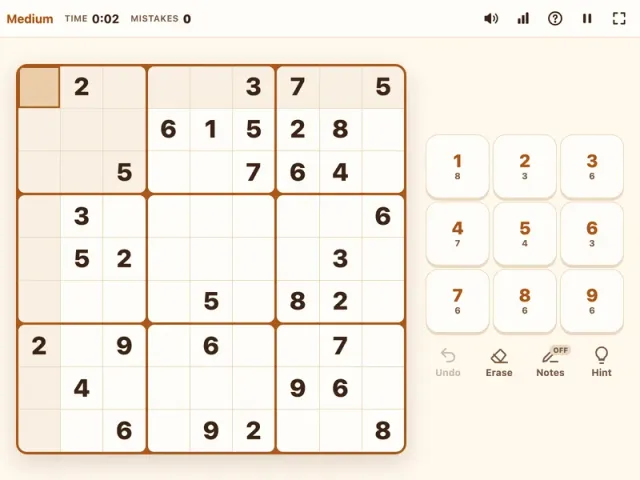
- Medium (32–36 givens): add notes and hidden singles.
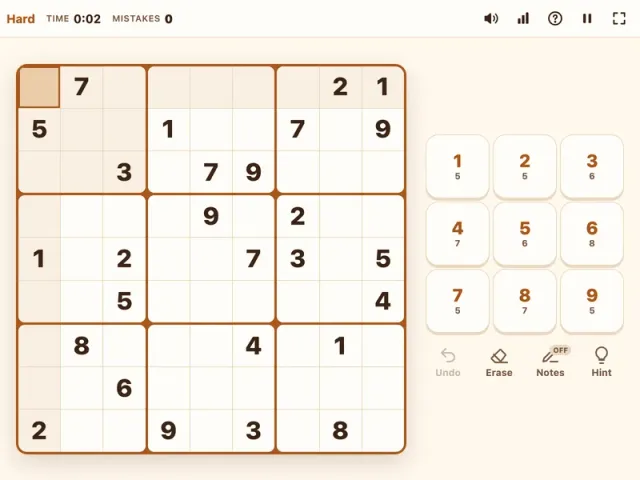
- Hard (27–31 givens): practice pairs, pointing pairs, and box-line reduction.
- Expert (23–26 givens): take on advanced patterns like X-Wing.
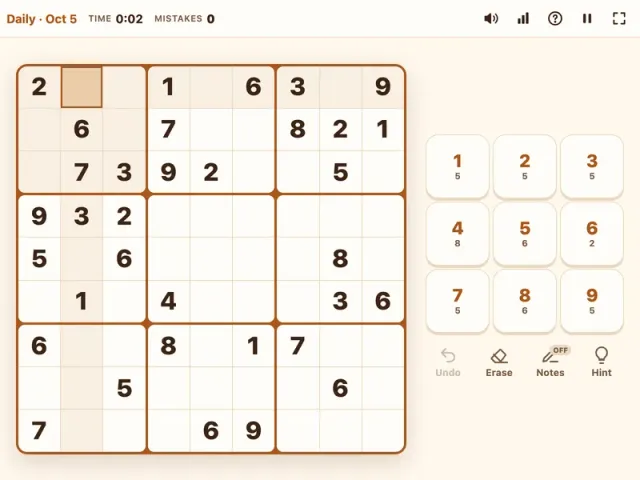
Want a fresh habit? The Daily Sudoku gives everyone the same medium puzzle each day, with a streak to keep you coming back. For more relaxed brain games, browse our puzzle category.
Features
- Beginner-friendly puzzles with 40 to 45 starting numbers
- Every puzzle generated with a single unique solution
- Notes mode with automatic cleanup when you place a number
- Undo, erase, and hints that reveal one cell
- Mistakes counter with no game over
- Timer and personal stats, including best time, win rate, and streaks
- Autosave so you can close the tab and continue later
- Keyboard, mouse, and touch controls
- Dark mode for easy-on-the-eyes play
- Free on phones, tablets, and desktops, no download or sign-up