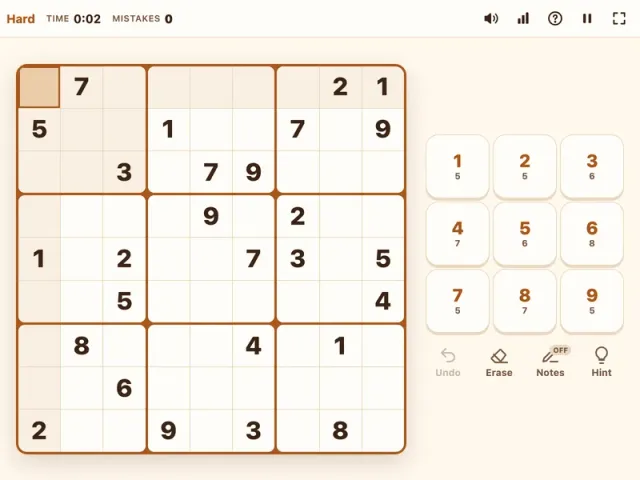
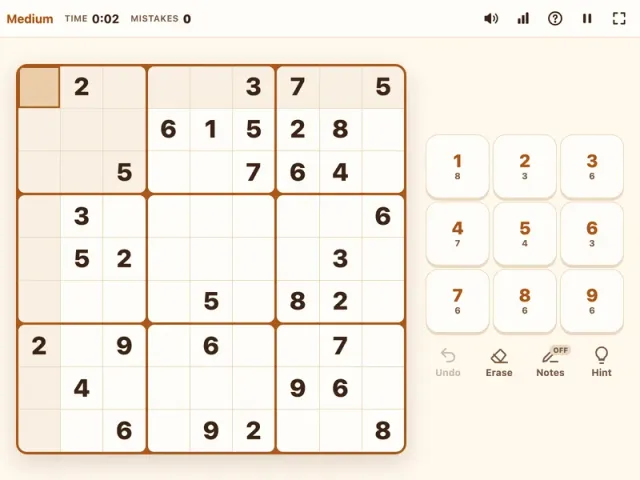
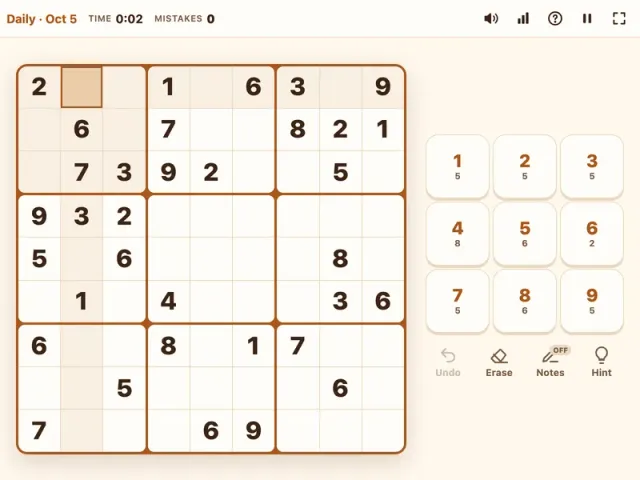
Expert sudoku is our toughest level, built for solvers who have outgrown standard hard puzzles and want a grid that pushes back. Each puzzle starts with only 23 to 26 numbers and still has exactly one solution, so every digit you place has to be earned through logic. Play free in your browser with full candidate notes, undo, hints, and autosave for those long solving sessions.
What is Expert Sudoku?
Expert Sudoku uses the same rules as every classic sudoku: place the digits 1 to 9 so that each row, column, and 3x3 box contains every digit once. What sets it apart is how little you start with. With barely a quarter to a third of the grid filled, the opening moves are scarce, and you will spend most of the puzzle working inside your candidate notes rather than placing numbers.
This level is aimed at experienced players. If Hard Sudoku has become routine and you can finish it with pairs, pointing pairs, and box-line reduction, Expert is your next step. It rewards a methodical approach, an eye for patterns that span the whole grid, and the patience to sit with a puzzle until it opens up.
How to Play Expert Sudoku
- Grab every single you can. Before writing notes, scan each digit across the grid for naked and hidden singles. Expert puzzles usually offer only a few, so do not skip them.
- Mark full candidates. Press N or tap Notes and fill in every possibility for every empty cell. Accurate notes are non-negotiable at this level.
- Run the standard eliminations. Clear candidates with naked and hidden pairs or triples, pointing pairs, and box-line reduction.
- Look for grid-wide patterns. When unit-based techniques run dry, scan single digits for X-Wings and Swordfish, and bivalue cells for XY-Wings.
- Place a digit only when it is certain. Turn notes off and enter it. Notes for that digit in the same row, column, and box disappear automatically.
- Rescan after every placement. A single placement on Expert can unlock a cascade.
- Undo bad branches fast. Ctrl+Z (Cmd+Z) steps back. The mistakes counter tracks errors, but you can always keep playing.
Controls
| Action | Keyboard | Mouse | Touch |
|---|---|---|---|
| Move the cursor | Arrow keys or WASD | Click a cell | Tap a cell |
| Enter a digit | 1–9 | Click a number | Tap a number |
| Toggle candidate notes | N | Click Notes | Tap Notes |
| Erase a cell | Backspace, Delete, or 0 | Click Erase | Tap Erase |
| Undo | Ctrl+Z / Cmd+Z | Click Undo | Tap Undo |
| Reveal one cell | H | Click Hint | Tap Hint |
Tips & Strategies
Expert puzzles demand everything from the lower levels plus a few powerful patterns.
- Audit your notes before hunting patterns. Most "impossible" expert grids are actually a notes problem: a missing candidate or a stale one. Quickly check each box for any cell that has no notes at all, and confirm each digit appears as a candidate at least once in every row, column, and box where it is not yet placed.
- X-Wing. Pick one digit. Find two rows where that digit has exactly two candidate cells, and those cells sit in the same two columns. The digit must go in one diagonal pair of that rectangle, so remove it from every other cell in those two columns. Then try the same with columns and rows swapped.
- Swordfish. This is an X-Wing stretched across three rows and three columns. If a digit's candidates in three rows are confined to the same three columns, you can remove it from the rest of those columns. It is rarer, but on expert grids it often breaks a stall.
- XY-Wing. Look for a "pivot" cell with exactly two candidates, say {A, B}, that sees two other bivalue cells {A, C} and {B, C}. Whichever value the pivot takes, one of the wings becomes C. Any cell that sees both wings cannot be C.
- Simple coloring. Choose a digit that appears exactly twice in several units. Link those pairs into a chain and alternate two colors. If two cells of the same color see each other, that color is false everywhere. If a cell sees both colors, the digit can be removed from it.
- Work digit by digit when stuck. Fish patterns and coloring are single-digit techniques. Focusing on one number at a time makes them much easier to spot than scanning the whole grid at once.
- Use autosave to your advantage. Expert puzzles can take a while. Your progress is saved automatically, so step away and come back with fresh eyes.
- Study every hint. If you reveal a cell, work out which pattern would have proved it. That is the fastest way to add a new technique to your toolkit.
What Makes Expert Sudoku Different?
On Medium and Hard, the solve mostly happens cell by cell or unit by unit. On Expert, the logic becomes global. Your key eliminations often involve cells several boxes apart that are linked only through a shared digit. That is why fish patterns, wings, and coloring matter here: they let you reason about the whole board at once.
It also changes the pacing. An expert puzzle often has a long middle phase where you place almost nothing, followed by a sudden collapse once the right elimination lands. Learning to stay calm through that middle phase is half the skill.
A few habits help:
- Keep notes tidy. Auto-cleanup handles the obvious removals; you handle the rest.
- Verify before you commit. Since there is no game over, it is tempting to try a digit and see. Resist that. A wrong digit quietly poisons later eliminations.
- Track progress, not perfection. Your stats record games, win rate, best time, and streaks. Watch them improve over weeks rather than chasing a single fast solve.
Need a breather? Medium Sudoku and Easy Sudoku make great cool-downs, and the Daily Sudoku gives you one shared puzzle per day to keep a streak alive. Fans of deduction can also try the number-clue logic of Hex Mine 3D or browse more puzzle games.
Features
- Our hardest sudoku level, with 23 to 26 starting numbers
- Every puzzle generated with a single unique solution
- Full candidate notes with automatic cleanup
- Undo, erase, and hints that reveal one cell
- Mistakes counter with no game over
- Timer and personal stats: games, win rate, best time, and streaks
- Autosave for long solves; refresh or close and continue later
- Fast keyboard controls, plus mouse and touch
- Dark mode for late-night sessions
- Free in your browser on any device, no download or sign-up